No products in the cart.
Appliance Part Number Compatibility: How to Be Sure It Will Fit
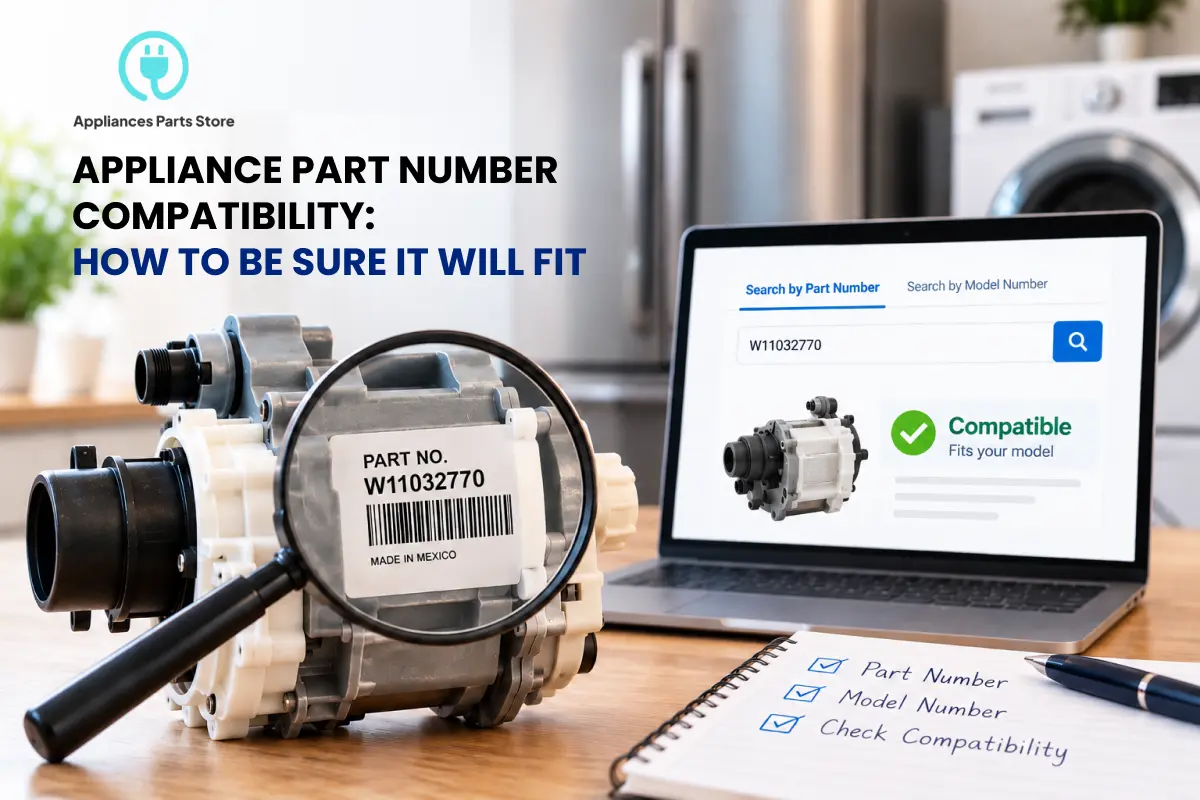
To confirm an appliance part will fit, match the part number printed on your existing part first, then confirm it against your model number and, where it matters, your serial number. A listing that says it “fits your model” isn’t enough on its own, because manufacturers change components mid-production and compatibility lists can contain errors. Here’s the check to run before you order.
Model Number, Serial Number, Part Number: What Each One Tells You
| Number | What it tells you | Where to find it |
|---|---|---|
| Part number | The exact component. A direct match here is the strongest confirmation. | Stamped, printed, or labeled on the part itself |
| Model number | Which appliance the part is meant for. | Rating plate: inside the door frame, on the back panel, or under a lid |
| Serial number | Which production run your unit came from. It matters when a model changed mid-year. | Same rating plate as the model number |
Why "Fits Your Model" Isn't Always Enough
Two units with the same model number can contain different components if the manufacturer revised the design partway through production. Parts also come in near-identical variants: different colors, voltages, gas versus electric versions, or regional editions that differ by a single character in the part number. And compatibility lists are compiled from many sources, so even a confident “fits” can be wrong. That’s why the rule on our own product pages is to order by part number, not by appliance model or appearance.
A 5-Step Compatibility Check Before You Order
- Read the number off your old part. Write down every character and photograph it before you remove or discard the part.
- Compare it to the listing exactly. Every digit, letter, and dash should match. A one-character difference can mean a revision, a color, or a different variant, so don’t assume it’s the same part.
- Confirm with your full model number, including every suffix, not just the first few characters.
- Check the serial number if the listing mentions a revision or serial range. That’s the signal that your unit’s production date may matter.
- Compare the physical part. For plug-in parts like a control board, check the connector type, pin layout, and mounting points. If you’d have to bend, trim, or force it, it isn’t the right part.
Have your part number?
What If the Number Is Worn Off or Doesn't Match?
Some parts, like plastic shelves or simple brackets, carry no marking at all, and others wear smooth. In that case, use your full model number with a parts diagram to find the component, then confirm the number before buying. If your old number has been replaced by a newer one, the newer number is usually the right buy, but verify it the same way. Our guide to what happens when a part is discontinued walks through that process. And if the number differs from a listing by even one character, ask before ordering rather than hoping it works.
Can't read the number, or not sure it matches?
Frequently Asked Questions
Is the model number or the part number more important?
The part number on your old part is the stronger match. Use the model number to confirm the part is meant for your appliance.
What if my part number differs from the listing by one character?
Treat it as a different part until confirmed. A single character can signal a revision, color, or variant.
Do I need my serial number?
Sometimes. If a manufacturer changed a component mid-production, the serial number tells you which version your unit has.
Can I trust a "fits your model" list?
Use it as a starting point, not proof. Confirm the part number and compare the physical part too.
What if the part number is worn off?
Use your full model number with a parts diagram, or send us a photo of the part and your model number and we’ll help identify it.